

Phantom XY System
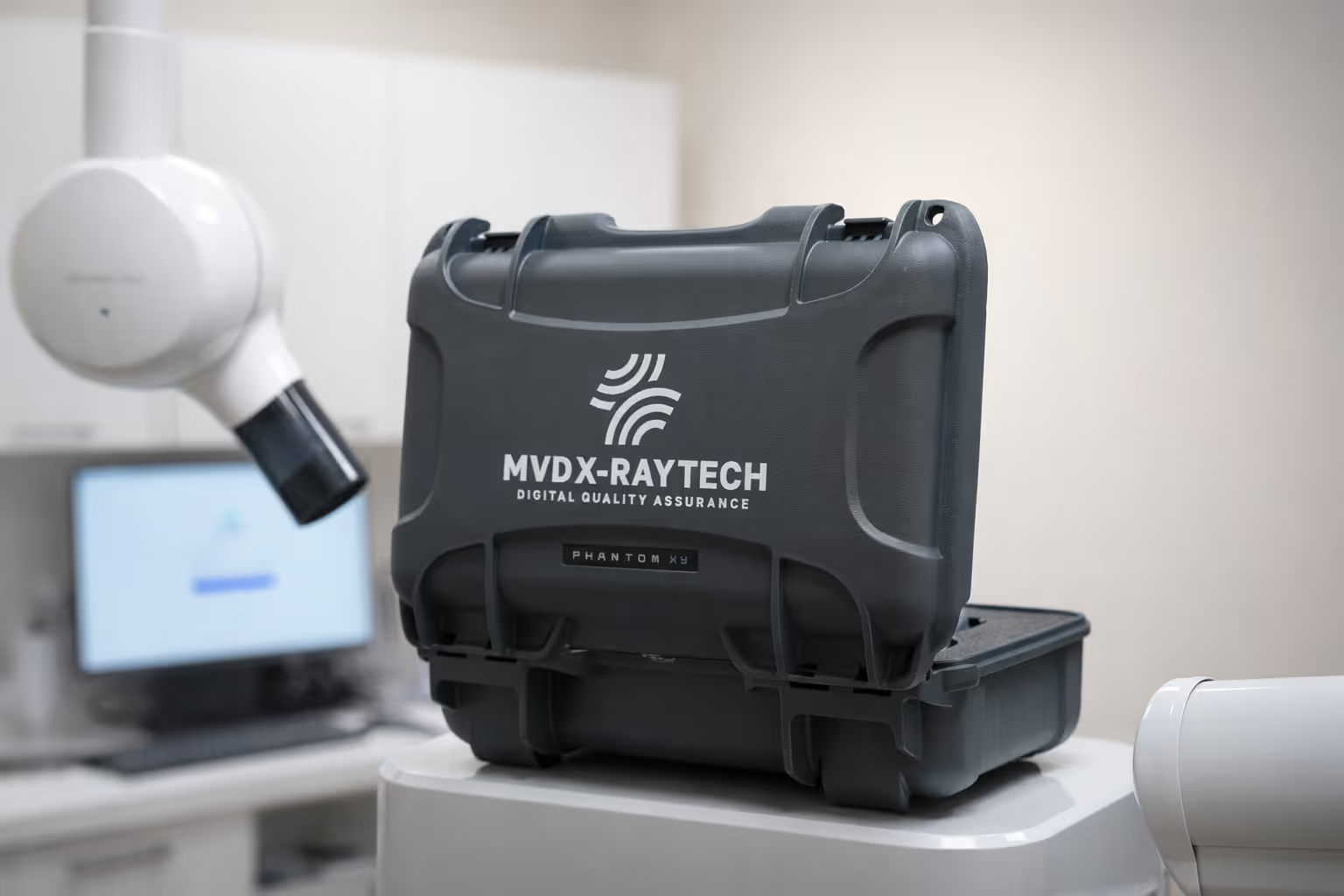
The Phantom XY System is a universal digital quality assurance platform for intraoral & panoramic dental X-ray devices, ensuring compliance and image quality daily.
The Universal Puck securely interfaces with MVD’s sensor holder, enabling fast, repeatable QA testing.
Quality you can trust. Precision you can see.
The first and only digital quality assurance (DQA) testing platform for digital dental radiographic equipment.
Buy NowDesigned for dentists.
Designed for dentists by a team of radiation experts.
One puck. Every system.
Built to mimic the human mouth.
Designed for everyday use.
Panoramic mode.
Intraoral mode.
Built for both imaging systems.
How it works.
1. Place the Phantom XY.
Insert the Universal Puck into the intraoral holder or panoramic tray attachment.
2. Take a standard X-ray.
Capture an image using your X-ray machine as part of your normal QA routine.
3. Cloud upload and processing
The captured image is securely uploaded to Phantom Cloud, where it's automatically processed and analyzed.
4. Receive your Q-Score + report
Get objective results, trend history, and a compliance-ready PDF log.

Phantom XY detects what others miss.
At the cutting edge of technology, Phantom tests over nine possible fault modes listed in Health Canada's dental X-ray guidelines.

Detects when radiation output exceeds expected safety levels.

Verifies proper collimator positioning to ensure the X-ray beam is correctly aligned with the imaging area.
Tracks gradual reductions in beam strength that can impact image quality before failures become obvious.

Flags shifts in exposure that cause images to appear too light or too dark across tests.

Checks for uneven magnification that can distort anatomical proportions in panoramic images.
Identifies asymmetries in linear structure that may indicate positioning or system calibration issues.
Automatically detects anomalies such as streaks, noise, or irregular patterns that compromise image clarity.

Evaluates edge definition to ensure images remain sharp and diagnostically reliable.

Checks for color intensity inconsistencies that can indicate sensor or processing issues.
Simple and secure.
Phantom's computer algorithm runs fully in the cloud - no installation required. Simply upload an image, run tests, and save the results. Results are stored securely for up to 10 years after running a test, and are easily accessible in a pdf format.
Compare Phantom.
Dentists are required to perform quality assurance (QA) tests on their radiographic equipment to ensure the safety, accuracy, and reliability of their equipment.
Quality assurance features
Bib clip
Step wedge
Phantom XY System
Date of manufacture
1900s
1950s
2024
Automated log of all tests performed
✗
✗
✓
Report/print emailed out
✗
✗
✓
Detection of gradual image deterioration
✗
✗
✓
Detection of unsharp images
✗
✗
✓
Alert notification when QA test has failed
✗
✗
✓
Gray levels of detection
✗
16 to 32 Shades
256 Shades
Designed for
✗
Intraoral
X-Ray Film
Digital Panoramic
Digital Intraoral
Detection for leakage radiation, collimator alignment, beam quality, accuracy of kVp
✗
✗
✓
Mechanical symmetry test
✗
✗
✓
Geometric accuracy test
✗
✗
✓
Radiation spike detector
✗
✗
✓
Magnification deviance test
✗
✗
✓
Uniformity test
✗
✗
✓
Ensure ALARA principle implemented daily
✗
✗
✓
Numerical analysis with Q-Score
✗
✗
✓
Interactive dashboard showing trends
✗
✗
✓
AI-driven insights
✗
✗
✓